Au Pair Society
An iOS app that helps au pairs in the US find friends nearby, see who's free when they are, and plan trips together — designed and shipped end to end, with AI as my engineering partner.
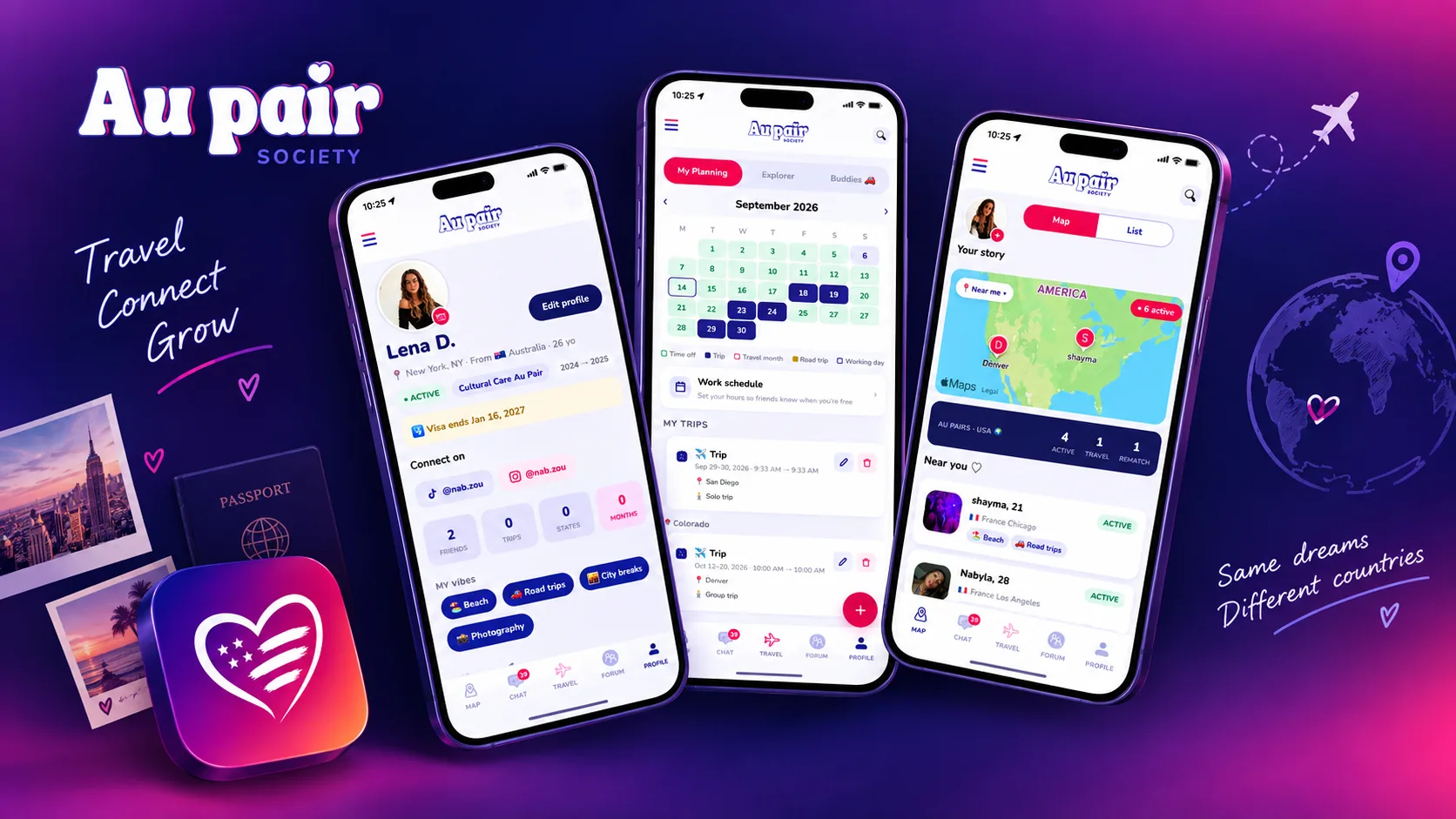
I'm an au pair in Los Angeles. Like everyone in the program, I arrived with a host family — and no social circle. The tools we all rely on are Facebook groups: noisy, impossible to filter by city, and not built for planning anything.
Au Pair Society is the app I wanted on day one: find au pairs nearby, see who's free when you are, plan trips together and talk — all in one place.
I lived the problem, but I didn't design from that alone. I ran a quick double-diamond pass — conversations with au pairs, one persona, a journey map and the core user flows — to pressure-test the idea before building anything.
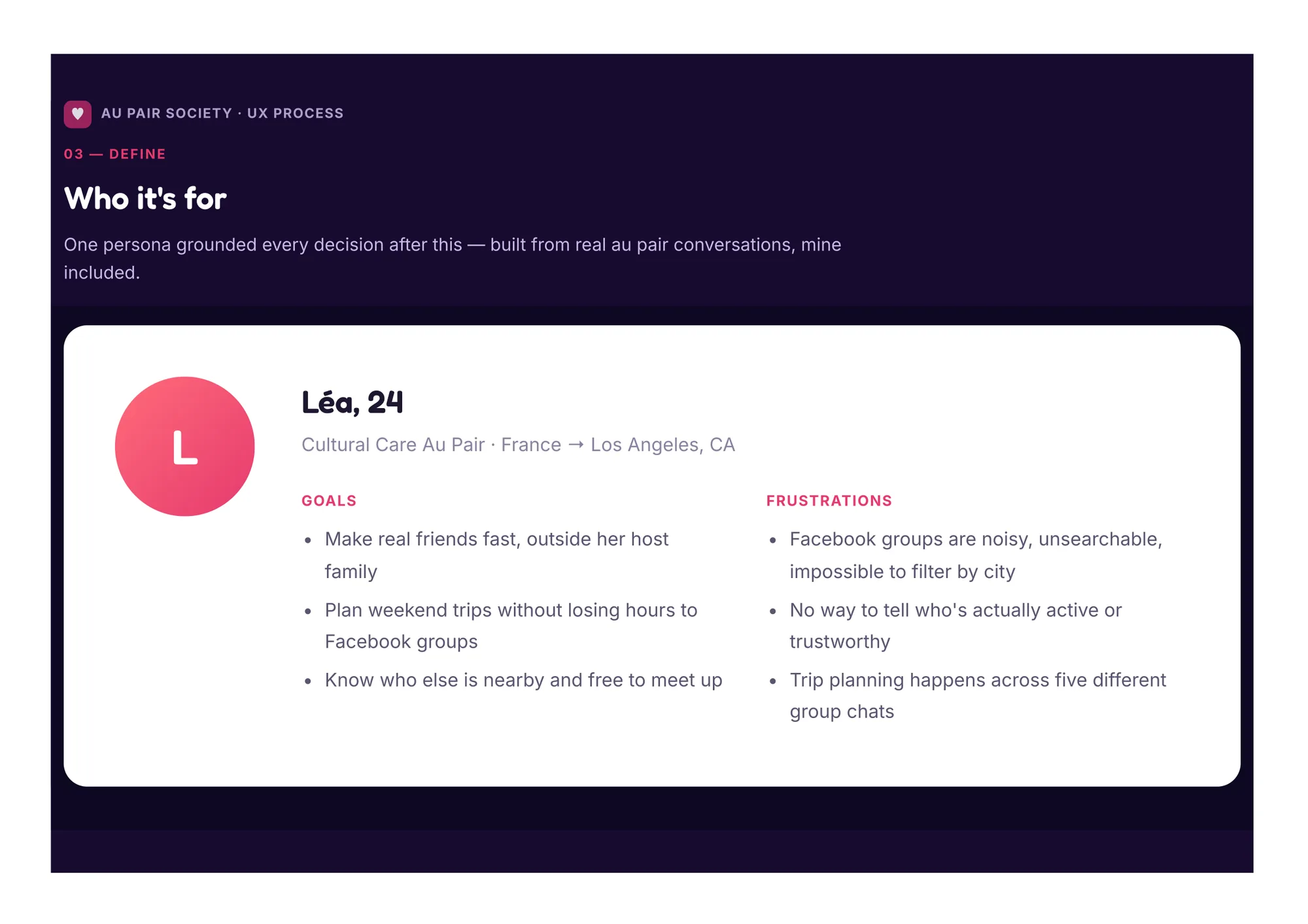
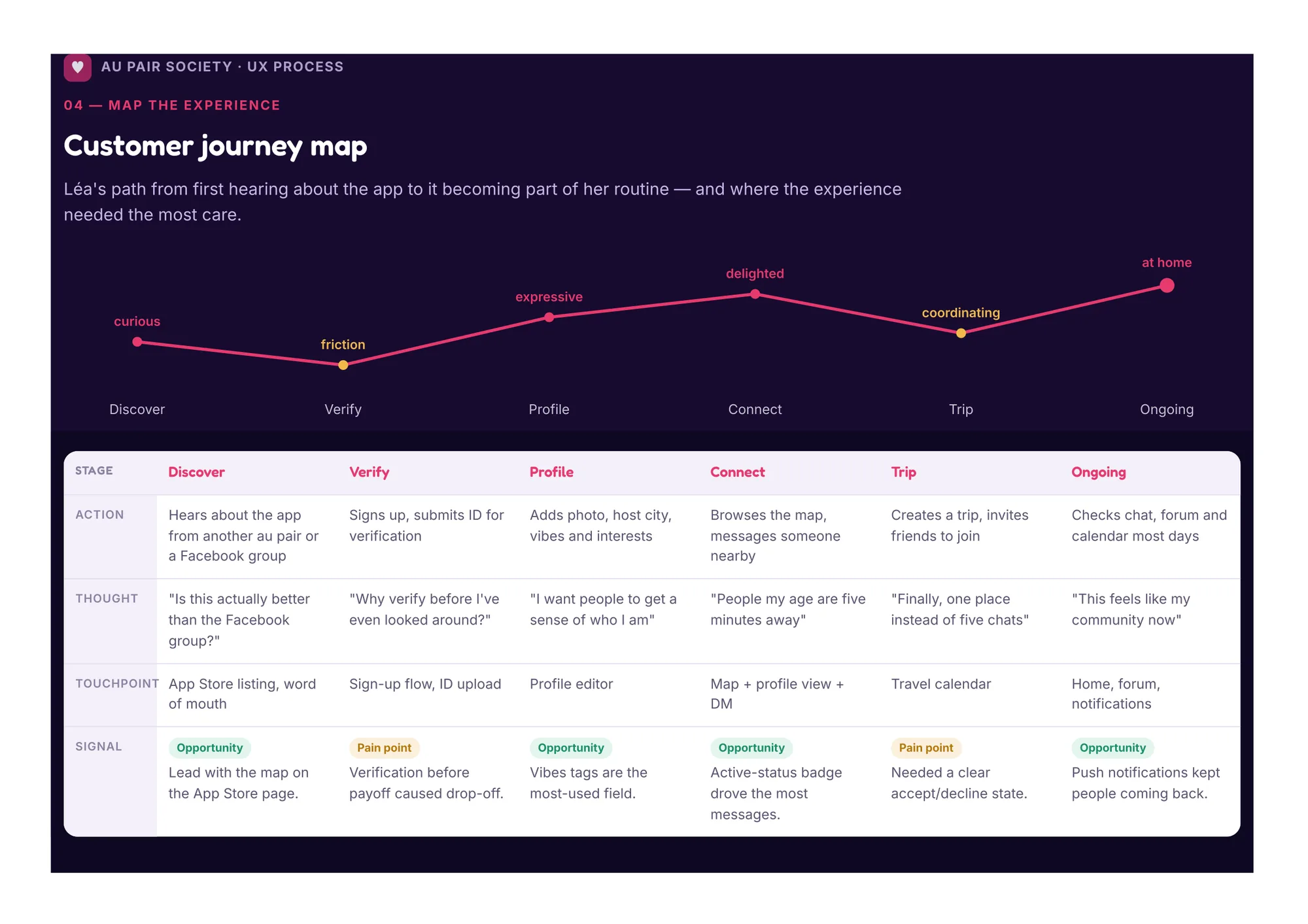
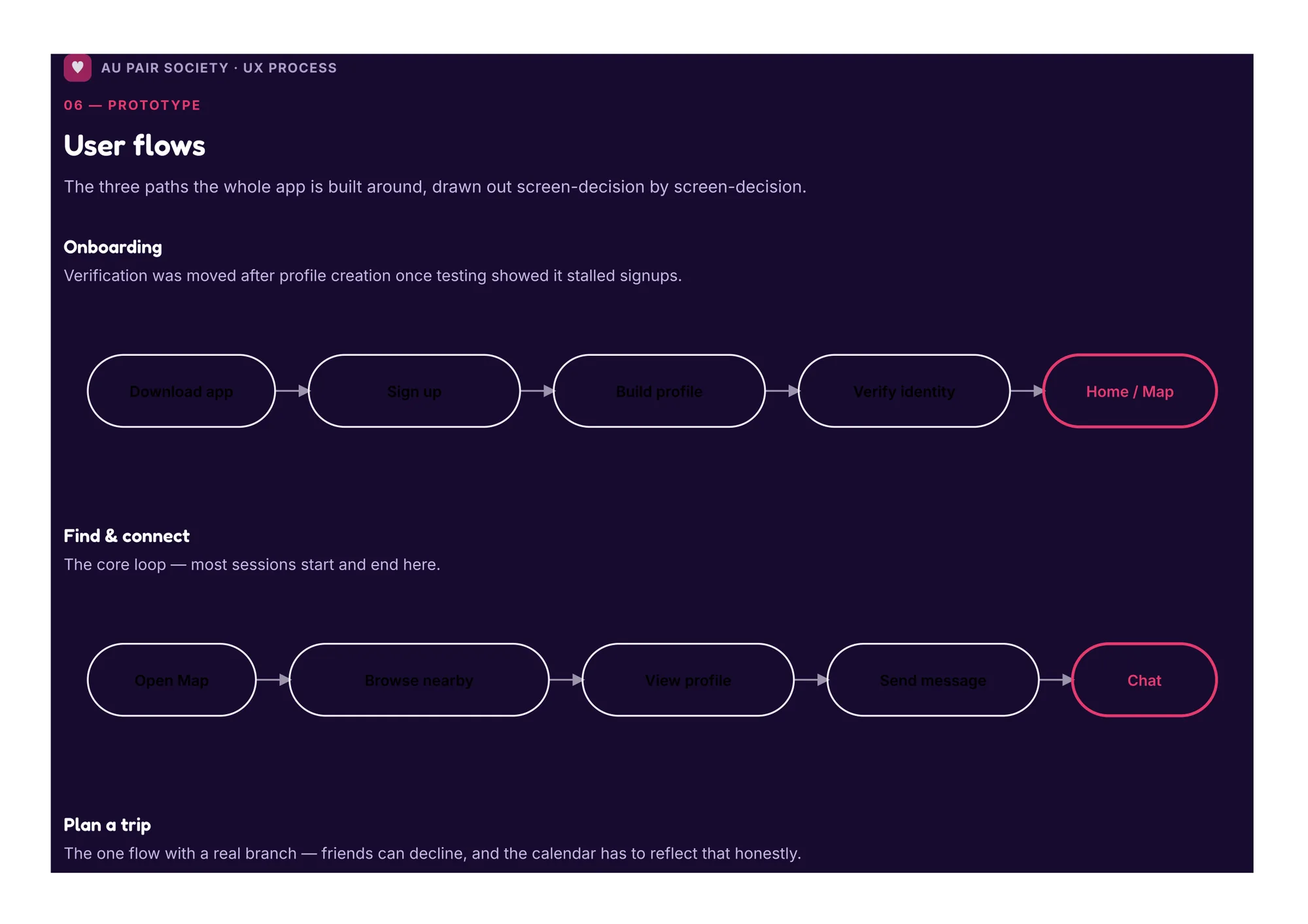
Persona, journey map and user flows — click to zoom.
I mapped every possible feature — map, trips, chat, forum, verification, safety — then cut the scope down to the two things au pairs actually needed: meeting people and planning together.
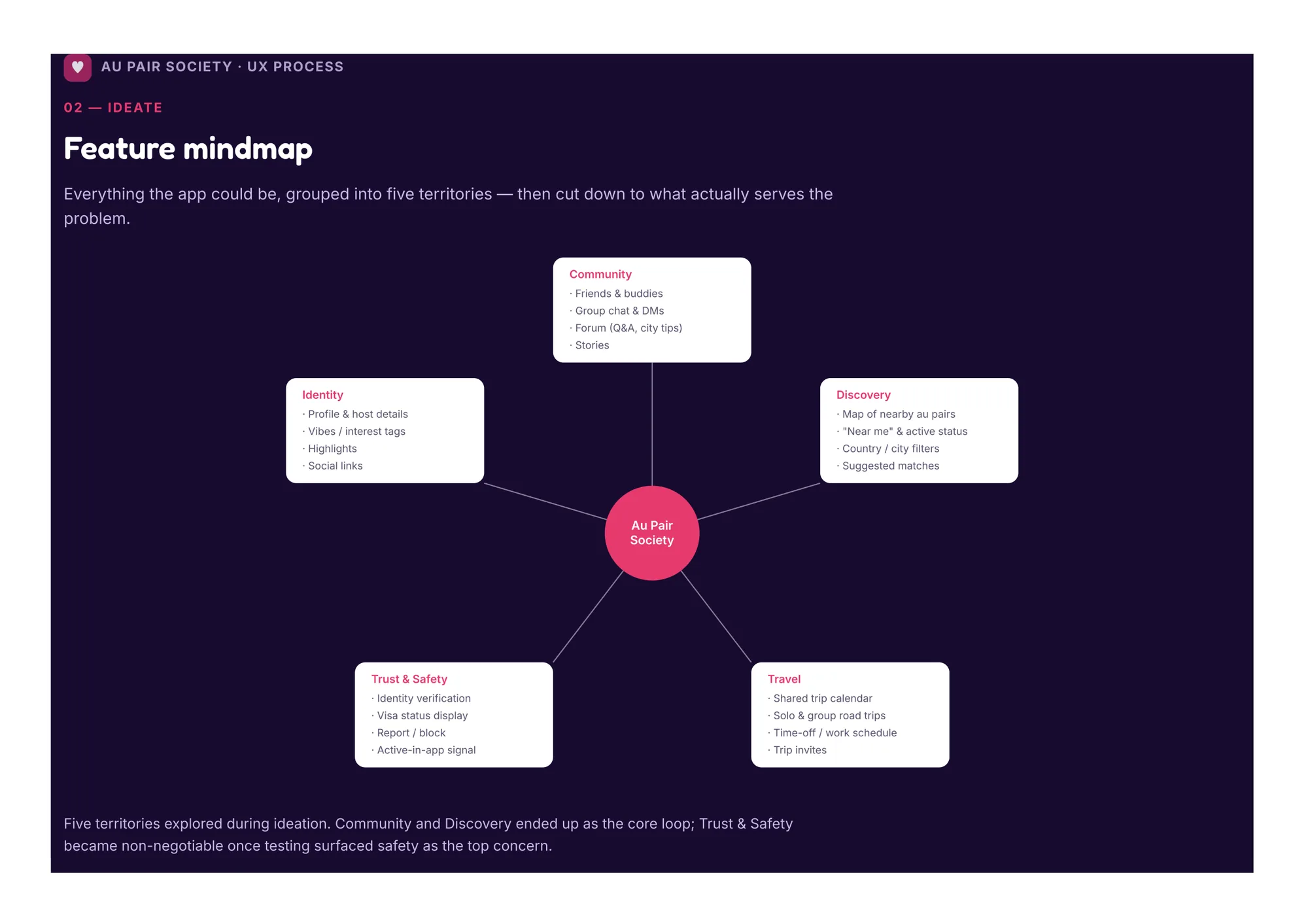
Those two jobs became the backbone of the tab bar: Map and Travel sit right next to Chat, Forum and Profile — everything else lives one level deeper.
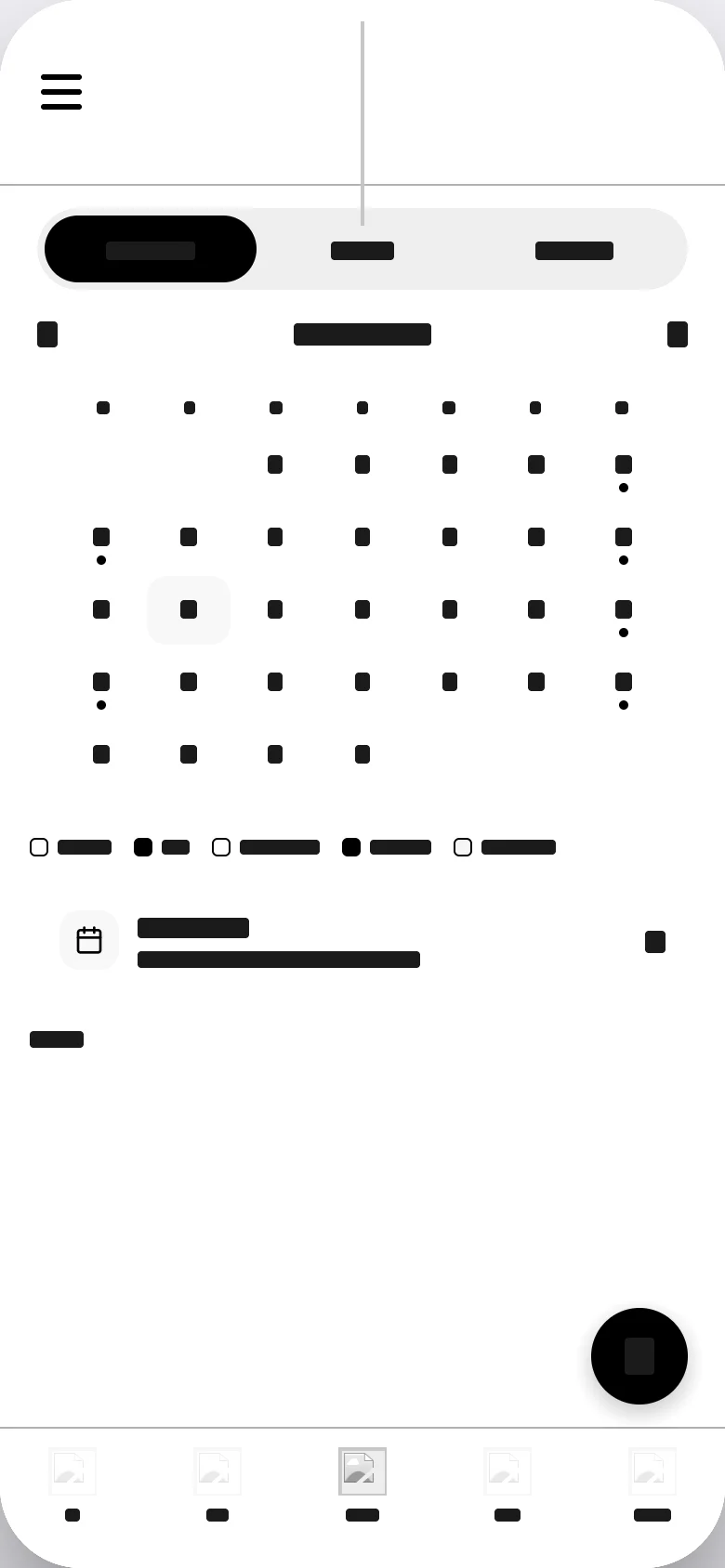
I designed the core screens in grayscale first to lock hierarchy and flows, then brought in the brand. Flip the switch to compare.
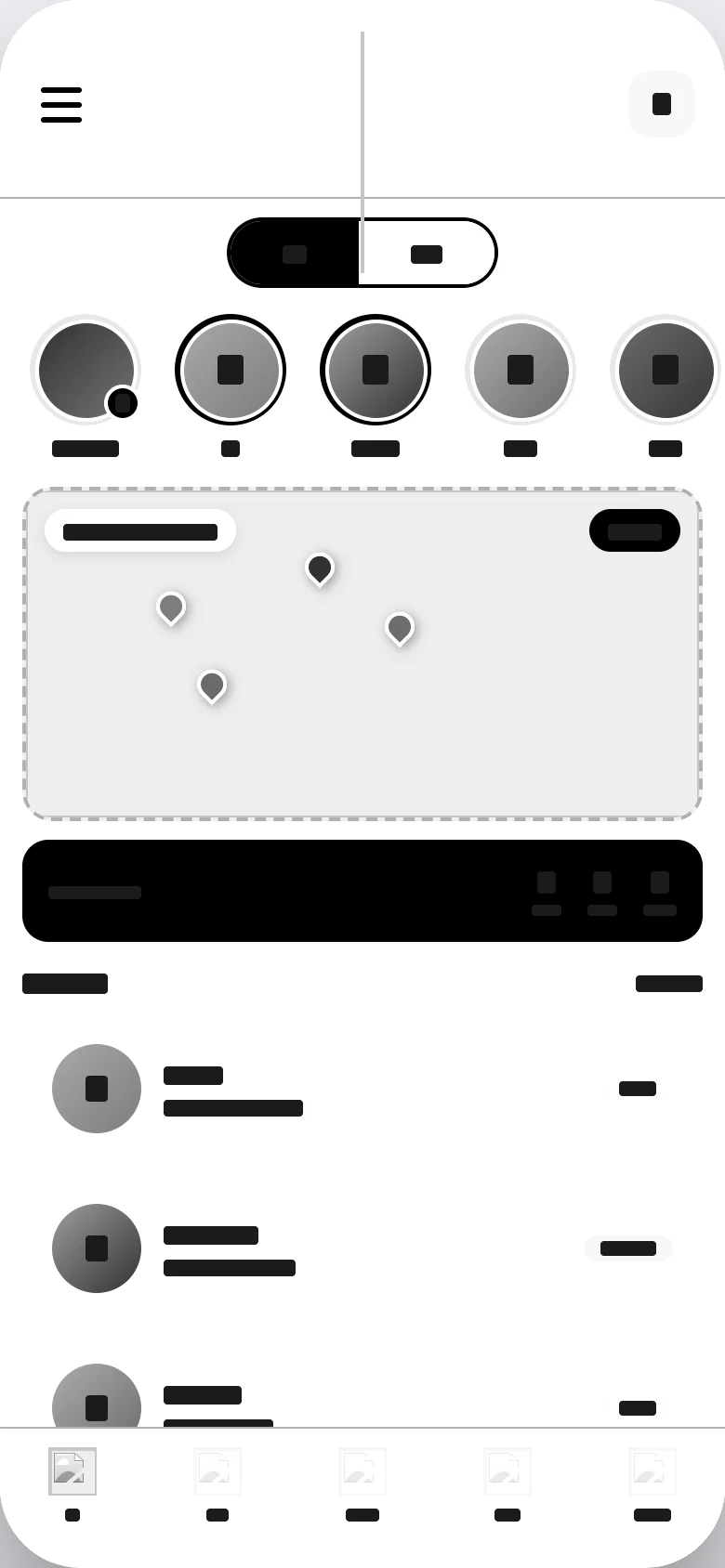
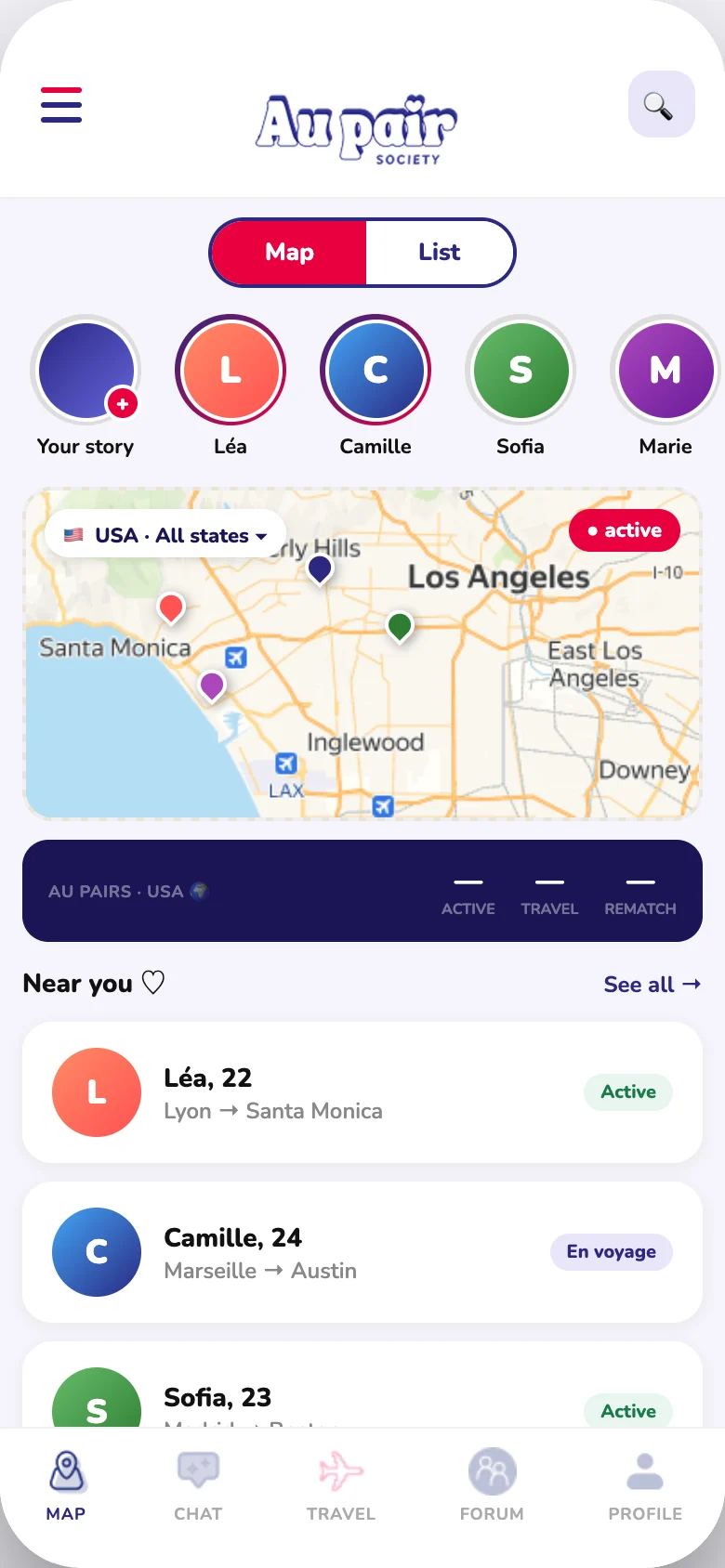
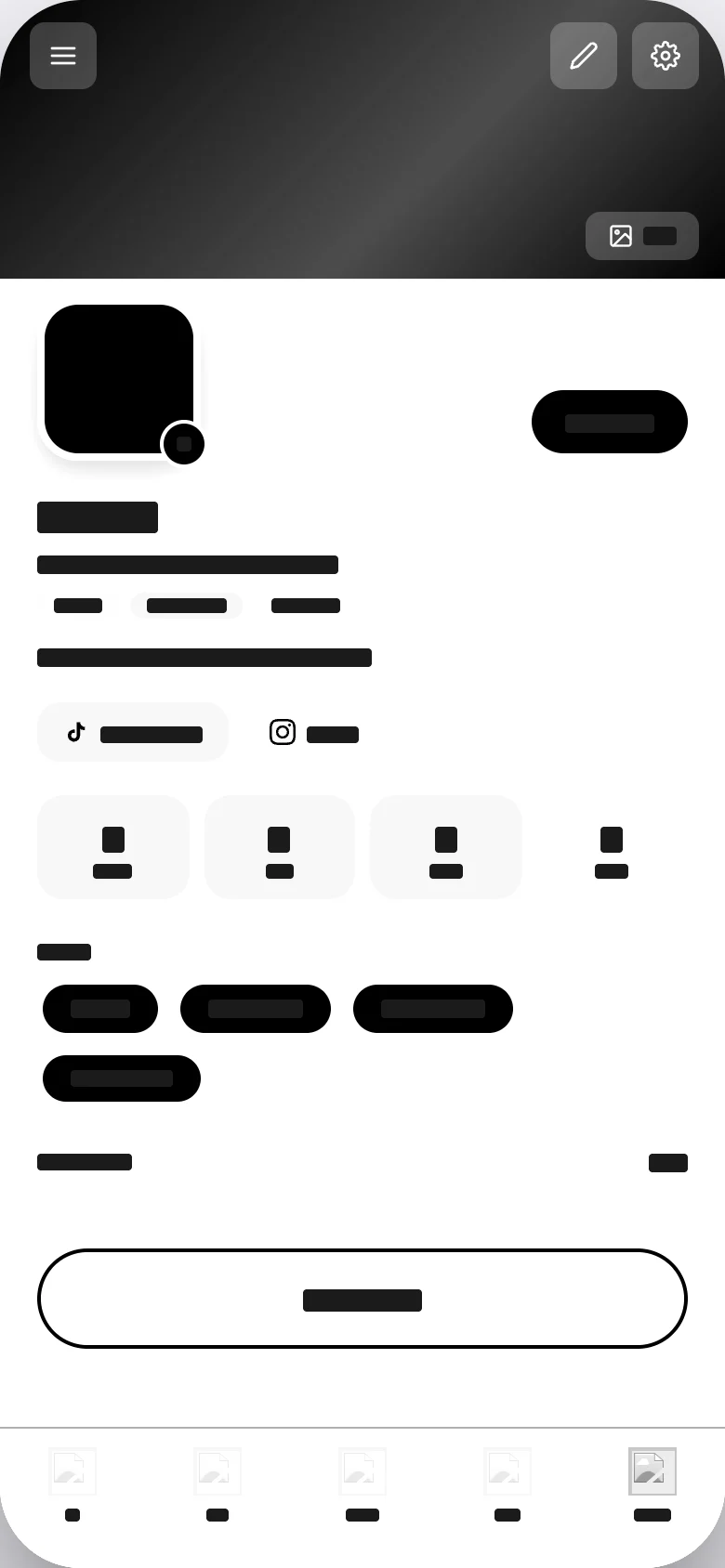
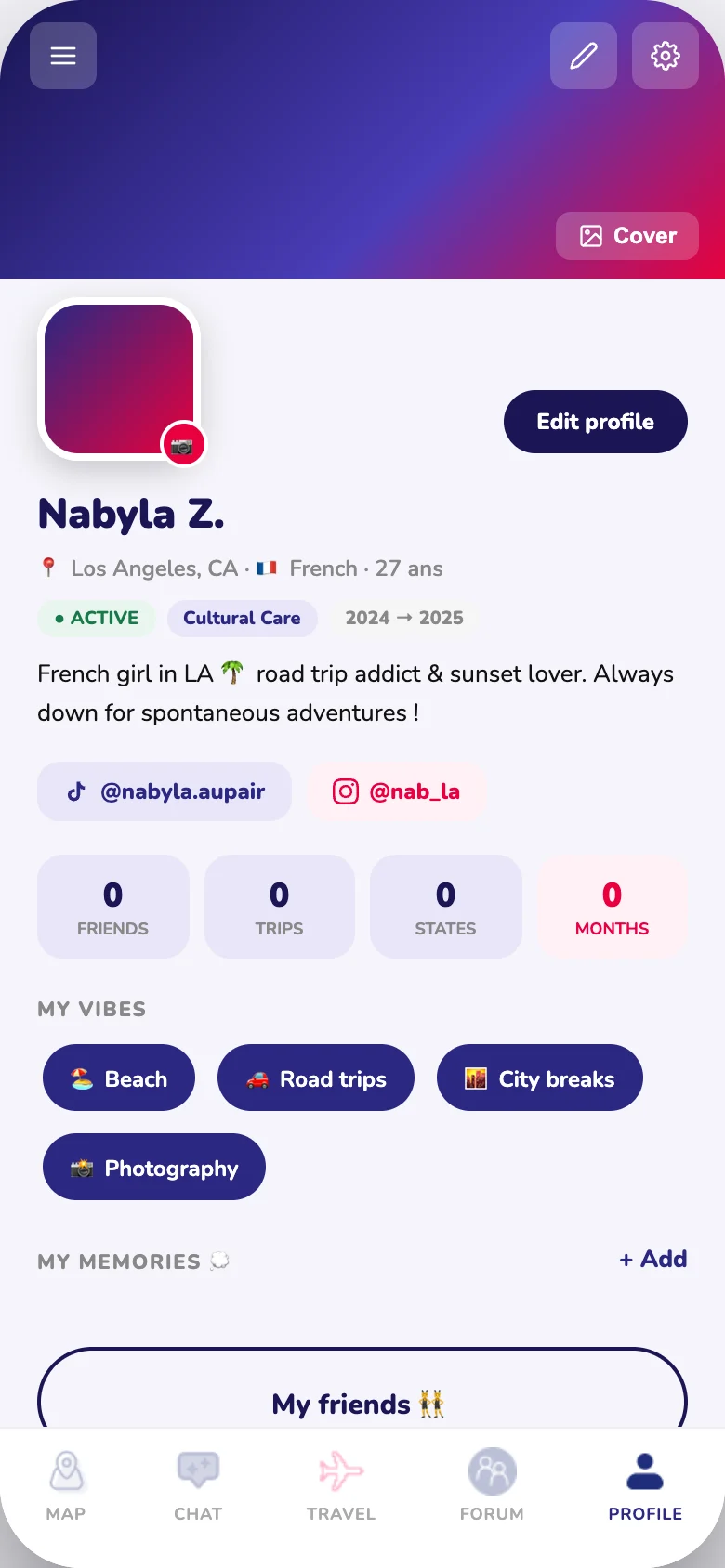
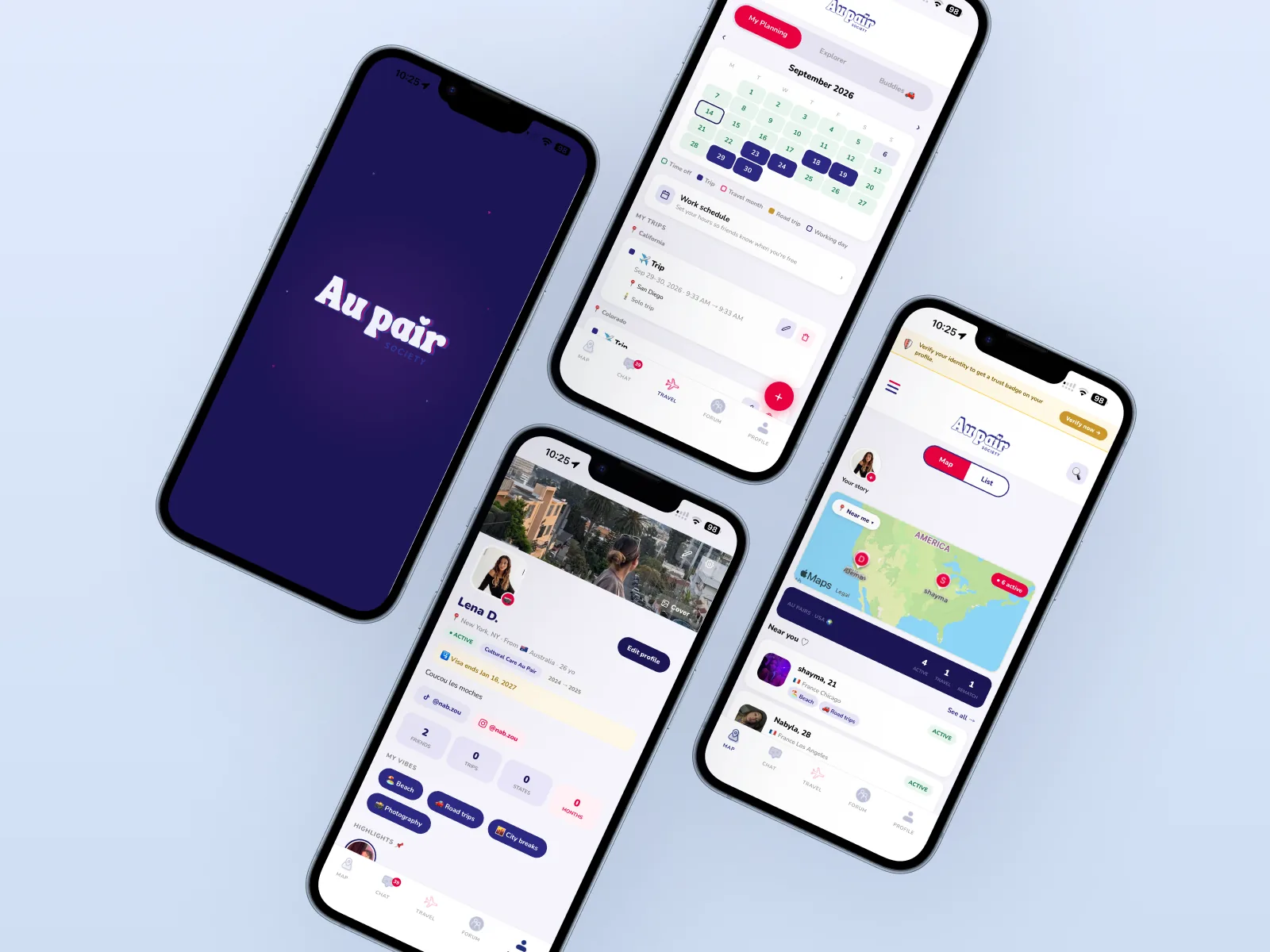
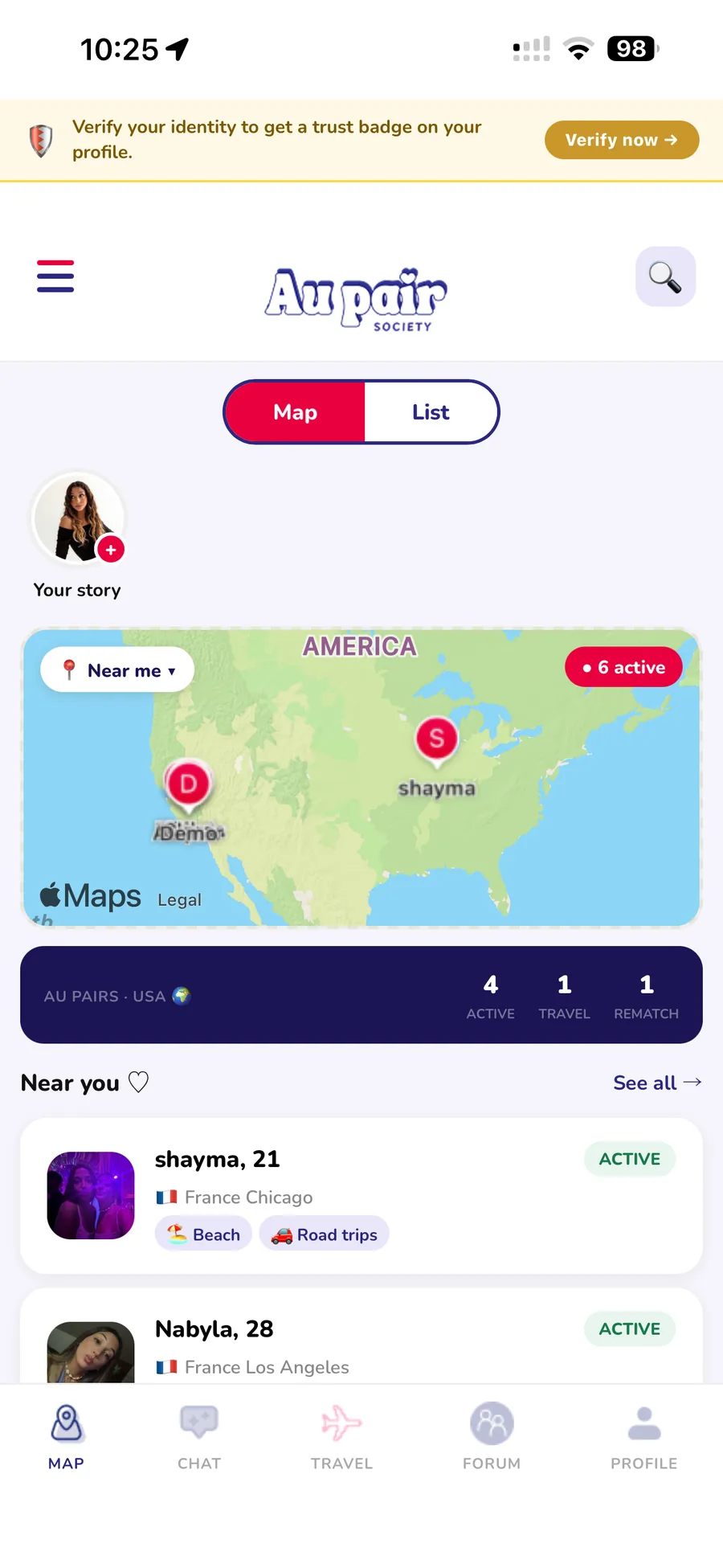
The home screen leads with people, not pins: a row of avatars and a "Near you" list wrap around the map, each with a live status — Active or Traveling — so you know who you can actually meet.
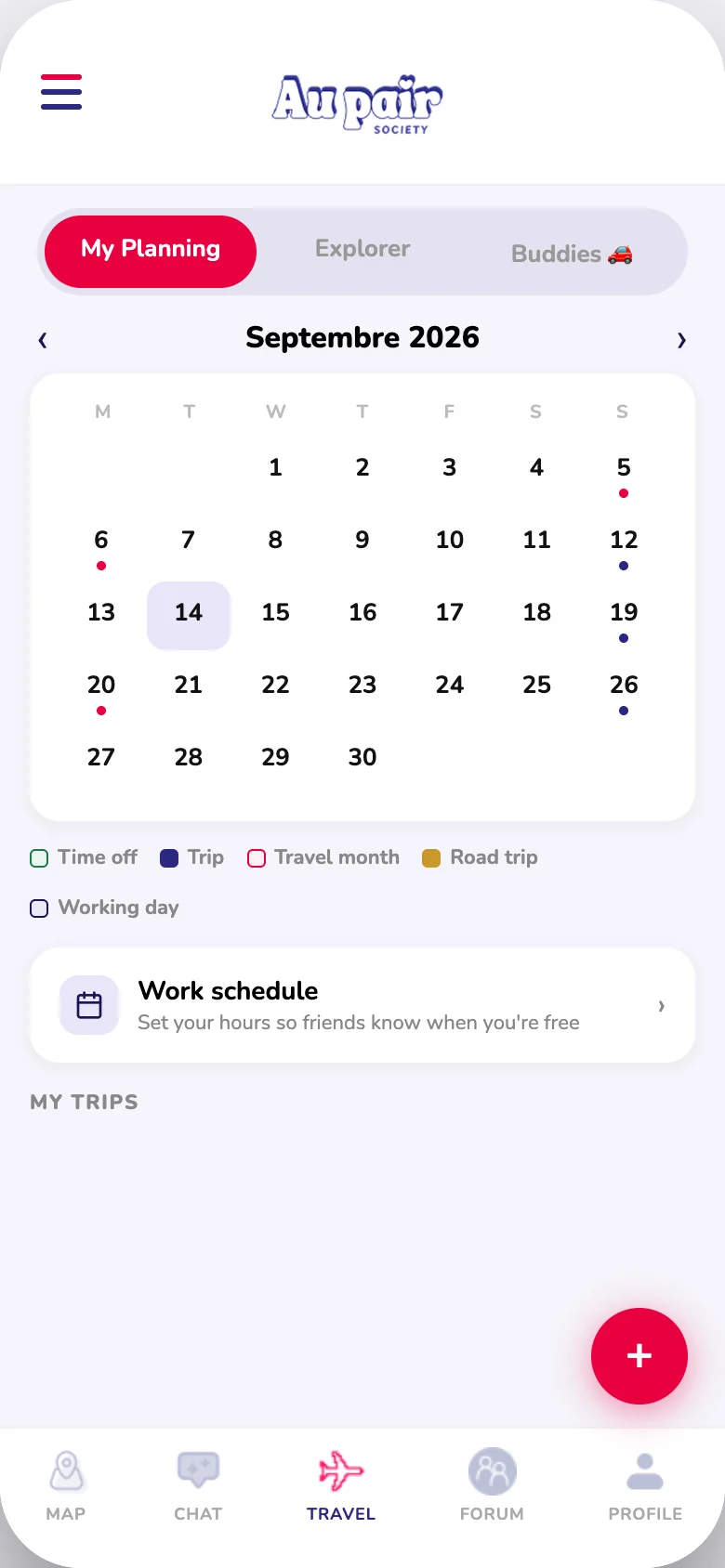
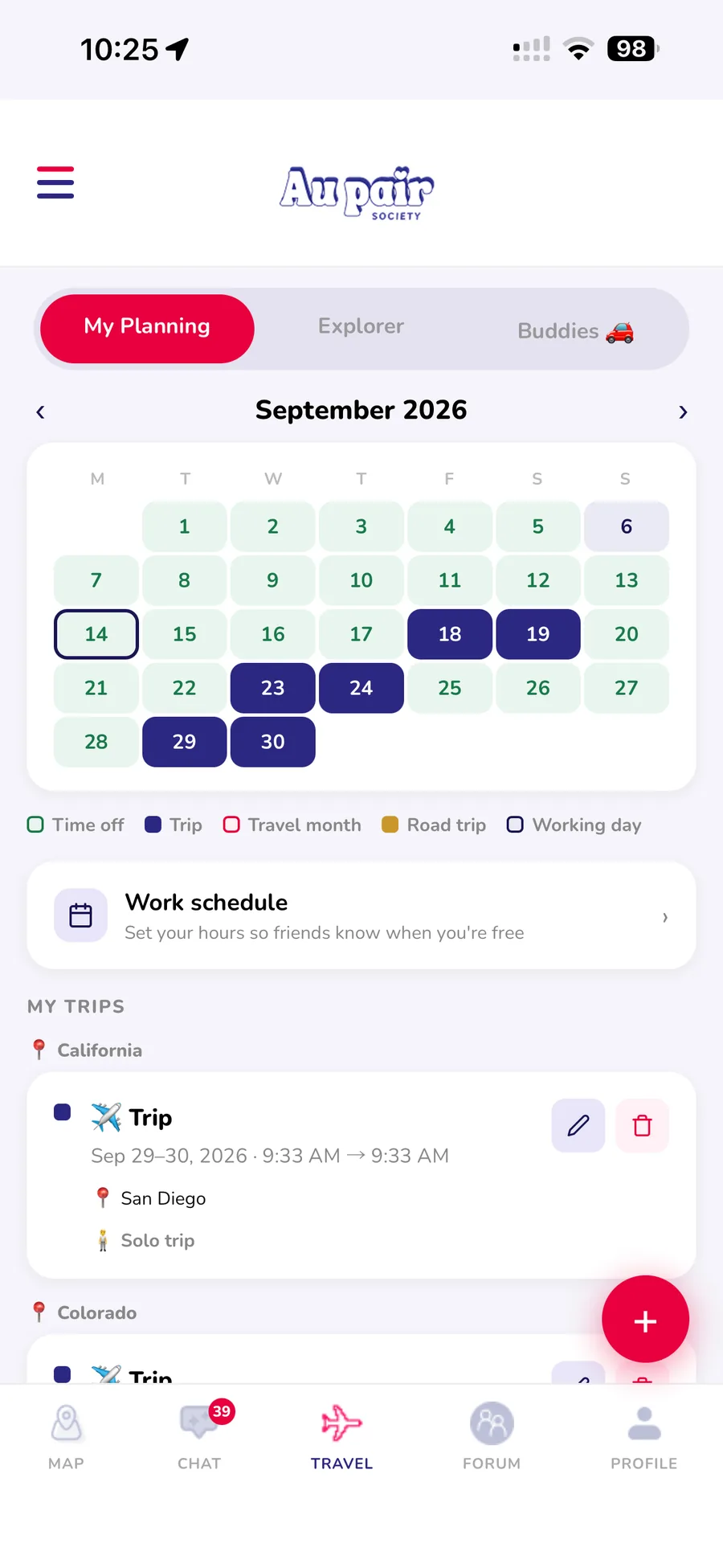
One calendar holds every kind of availability — days off, trips, travel months, road trips and working days — so friends can match dates at a glance instead of asking in five group chats.
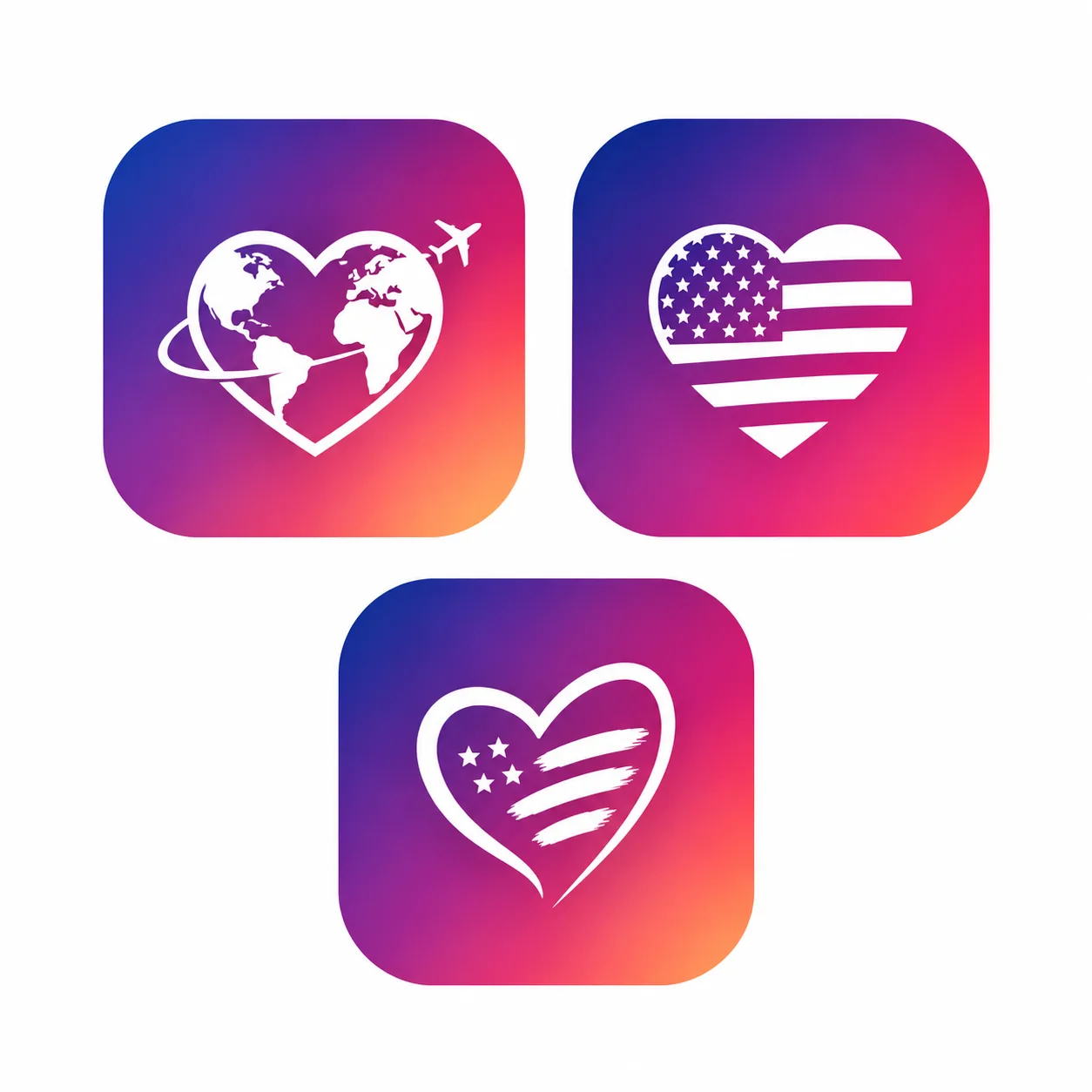
The icon went through several directions — a globe heart, a flag heart — before landing on a heart with stars and stripes on a purple-to-coral gradient: friendly, unmistakably American, made for people far from home.
Every screen sits on a Figma design system with variables — navy, a hot pink accent, the rounded Nunito typeface — with light and dark modes across 34 high-fidelity screens.
Instead of handing off static mockups, I built real screens fast in HTML/CSS, then wired them into a working iOS app with Capacitor and Firebase — using Claude Code as my engineering partner. Accounts, real-time chat, the map and push notifications all run for real.
Having a usable build early changed my design decisions. Testing with au pairs showed that ID verification felt like friction at signup, so I moved it after profile creation — a small change that raised completion.
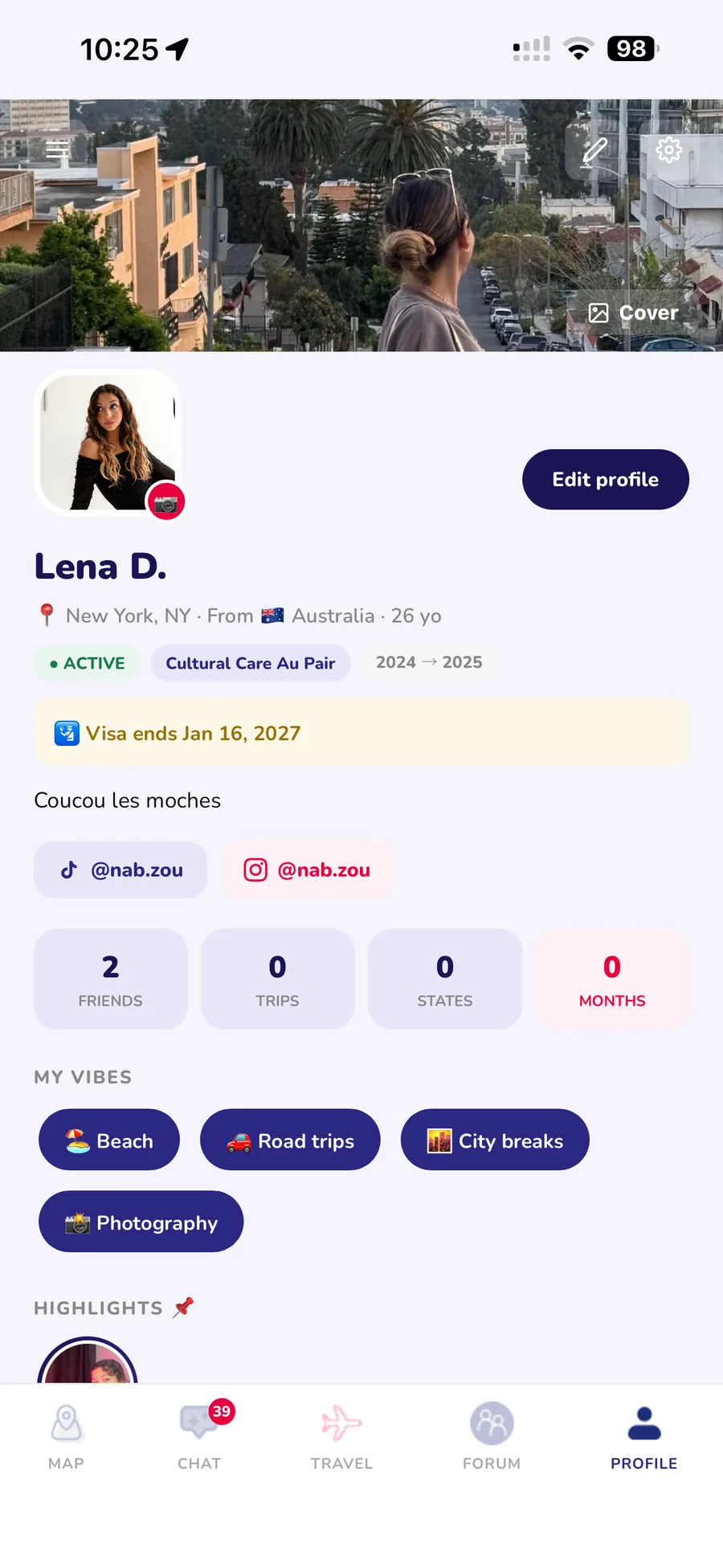
AI didn't make the design decisions — it removed the gap between a Figma file and something au pairs could actually hold in their hands, so I could test sooner and iterate on real behavior.
For the launch campaign I made a short teaser — built in code, like the app — showing the map, the travel calendar, road trips and group chats in a dark, premium style.
What's next
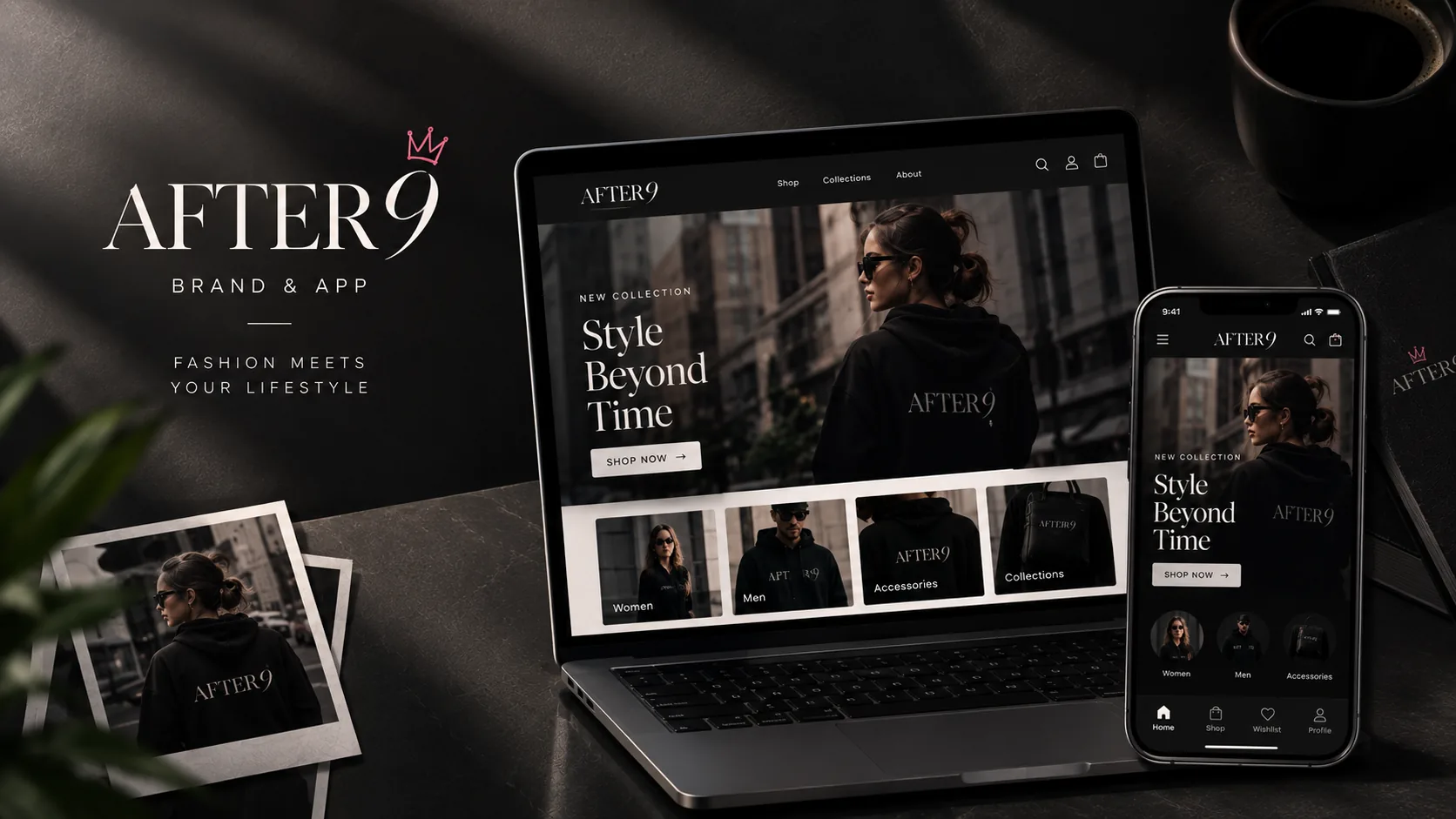
After 9
Brand identity, shopping app and website for an LA clothing label →